1. Install Minecraft Forge 1.20.1
Download and install Minecraft Forge for version 1.20.1. Make sure you select the Forge installer, not Fabric or NeoForge.
Download Forge ↗Welcome To Vulcraft! our next Minecraft adventure. Explore the latest release, see what's included, and get everything you need to jump into the world.
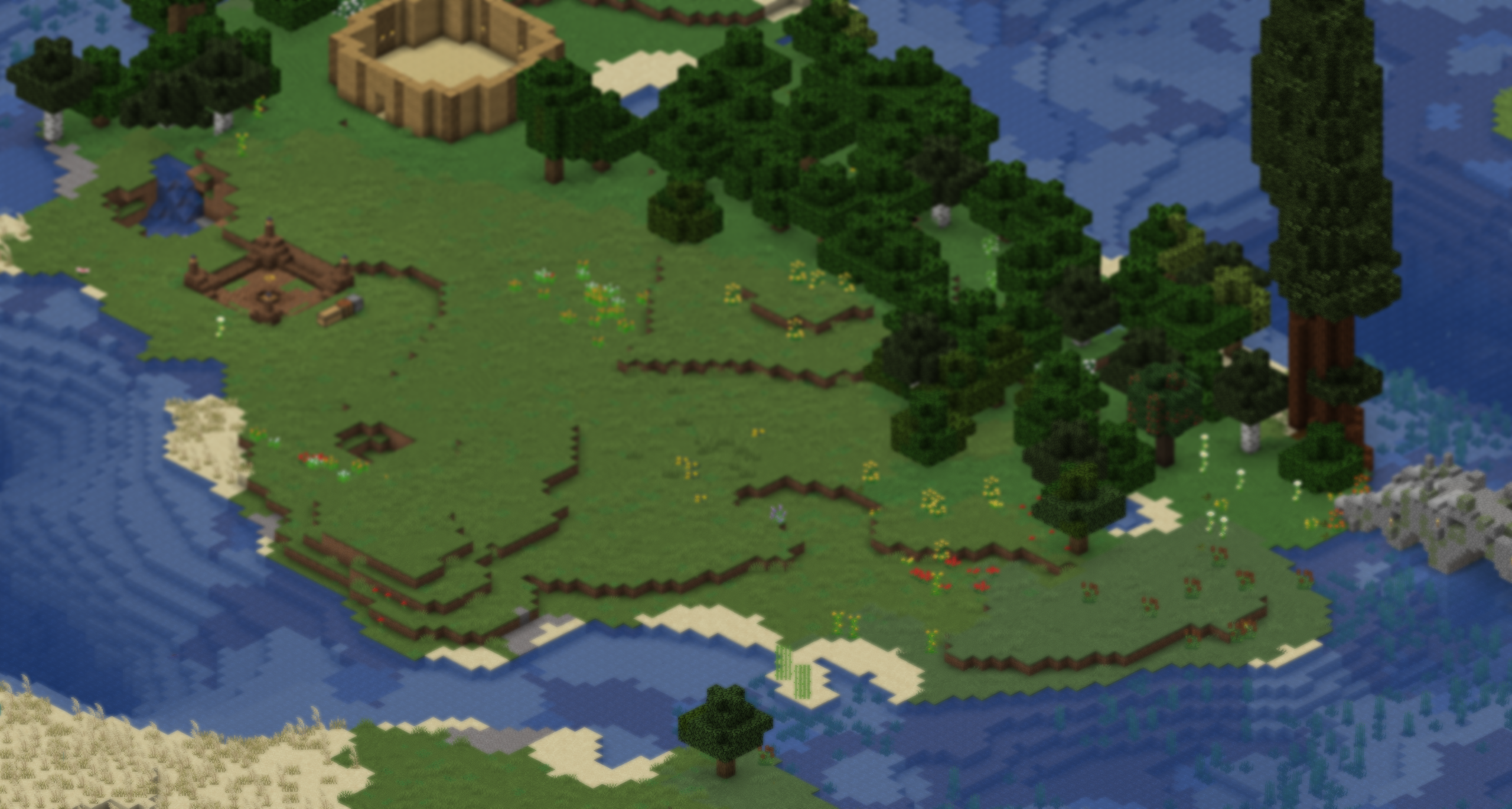
Vulcraft was created for 1.20.1 Forge!
Download the latest Vulcraft release and follow the simple installation steps below.
Download the ZIP, extract it, and follow the installation steps below.
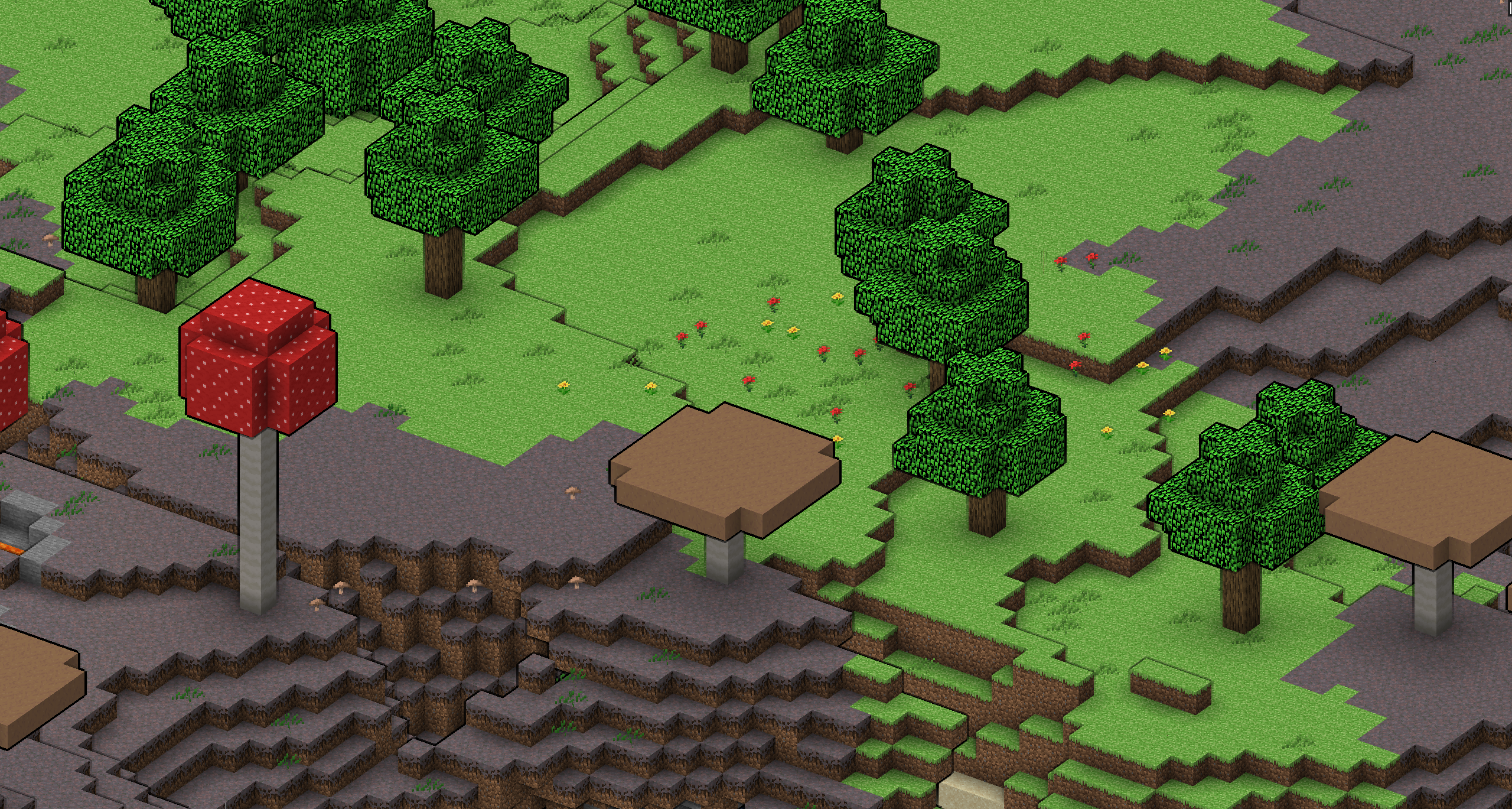
Follow these steps to get Vulcraft up and running.
Download and install Minecraft Forge for version 1.20.1. Make sure you select the Forge installer, not Fabric or NeoForge.
Download Forge ↗Download the Vulcraft v1.2.6 ZIP file and extract it. You should see a mods folder and a config folder.
Open the game folder for the Minecraft installation or launcher instance you want to use. Find its existing mods and config folders.
Back up your current mods and config folders, then copy the extracted Vulcraft folders into your instance, replacing the existing ones when prompted.
Select your Minecraft 1.20.1 Forge installation in your launcher and start the game. Enjoy Vulcraft!
Back up your existing folders before replacing them. Do not replace your saves folder.
Want to follow updates, share feedback, or get help? Add your official community invite below so players can find the right place.